Features
What is in the product today
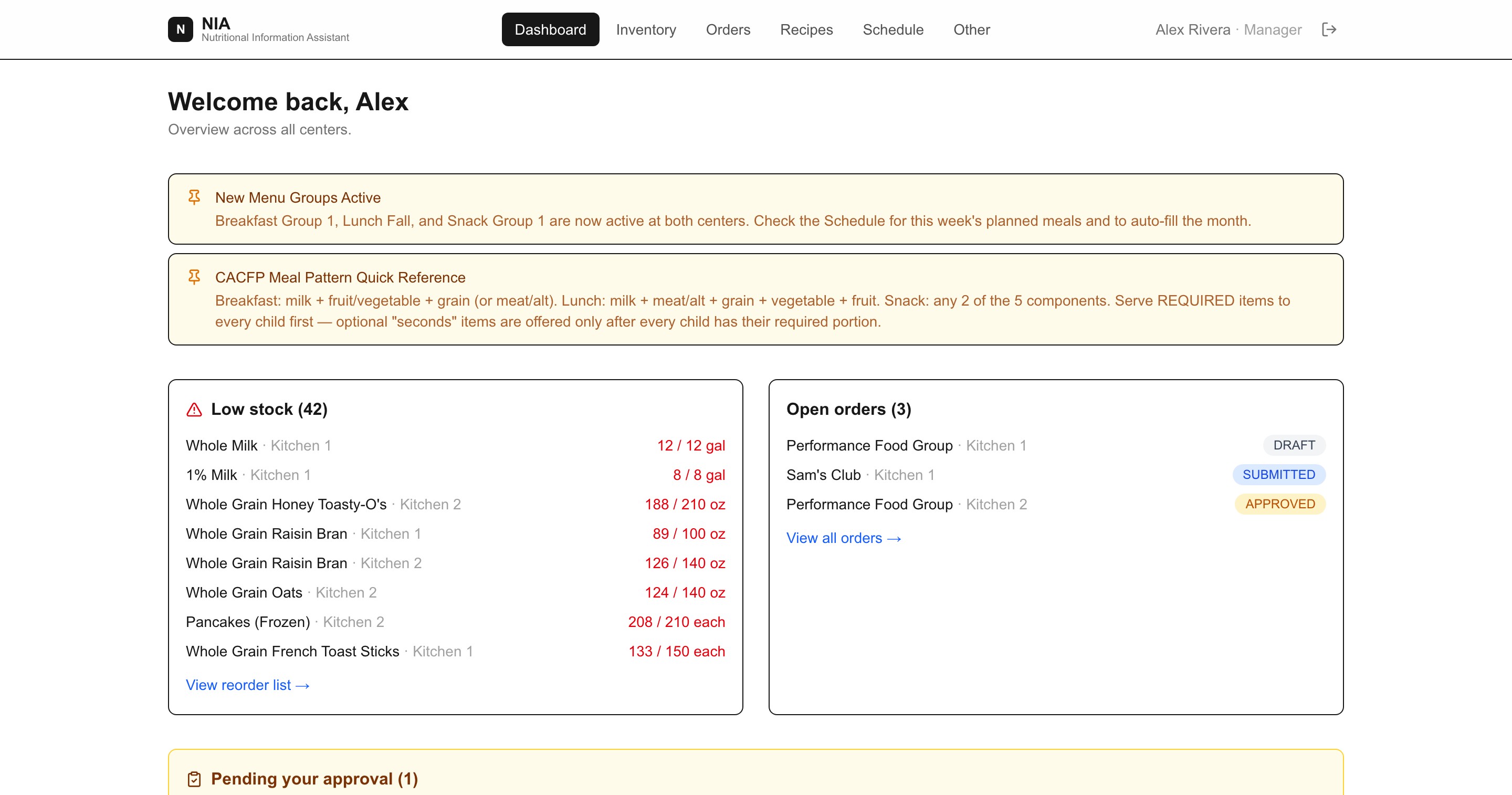
Everything below is in use, not on a roadmap — and every screenshot on this site is the live demo, which you can open yourself.
CACFP compliance
- Meal-pattern checking per meal type, with required components flagged as menus are built.
- Per-center age groups carrying the five component minimums, including custom age ranges.
- Monthly enrollment rosters per age group, which drive every quantity in the system.
- Allergen information pulled from ingredients and surfaced on serving instructions.
Menu planning
- Recipes as complete meals for a meal type, with scaled quantities from per-serving amounts.
- Named recipe groups rotated in order and activated per center per meal type.
- A month view that auto-fills from the active rotation and stays editable day by day.
- Staff-facing serving instructions, so the person plating knows the required portion.
Inventory
- Nested storage areas per center, matching how a walk-in is actually organised.
- Counting on a phone, in base units or alternate units like cases.
- Par and max levels producing a reorder list rather than a guess.
- A movement history of every submitted count and who submitted it.
Ordering and receiving
- Orders per center per supplier with an approval step for managers.
- Order lists prepopulated from demand and current stock.
- PO numbers on the order, invoice numbers on the delivery, so the two reconcile.
- Receiving records what actually arrived per line, and puts that — not the ordered amount — into the storage area you choose.
- Shortages, overages, damage and substitutions captured as they are found.
- Supplier order cadences, so a delivery window is not missed.
Cost
- Pack sizes, pack labels and catalog price per pack on every item.
- Price paid per pack and the invoice total recorded as a delivery is checked in, pre-filled from the catalog price.
- Reports separate invoiced spend from catalog estimates and never total the two together.
- An order’s cost is frozen when it is received, so a later catalog change cannot restate history.
- Cost per crediting unit, so two ways of meeting the same requirement compare honestly.
Records and reporting
- The CACFP record for any center and any date range, on screen, printable, or as CSV.
- Menus served, components credited, and the meal-pattern result for every meal.
- Per-age-group portions worked out from that month’s enrollment.
- Notes on what actually happened — a substitution, a shortage, food discarded.
- Purchases and counts with who requested, approved, received or submitted each one.
- An exceptions list up front: pattern failures, missing enrollment, missing invoice numbers, unplanned weekdays.
- A menu, portion and purchase record — deliberately not a meal-count claim, since attendance is not recorded.
Multiple centers
- Every center keeps its own inventory, roster, schedule and orders.
- One organization-wide catalog of items, suppliers and recipes.
- Your data is isolated from every other organization at the database level.
Your team
- Managers invite their own staff by email; each person sets their own password, which nobody else ever sees.
- Two roles: managers do everything, cooks count stock, submit orders, receive deliveries and follow recipes.
- Removing access keeps the person’s history — who counted what, who received which delivery — and can be undone.
- Step-by-step walkthroughs built into the app for both roles.